 Design Duniya
Feature / Gemini
Gemini gets a Task switch, and India gets it free
A chatbot answers while you watch. A task runs while you don’t. Gemini now puts that difference on a switch, and from this week free users in India can flip it.
By DD Desk
20 Nov 2026 · 3 min read
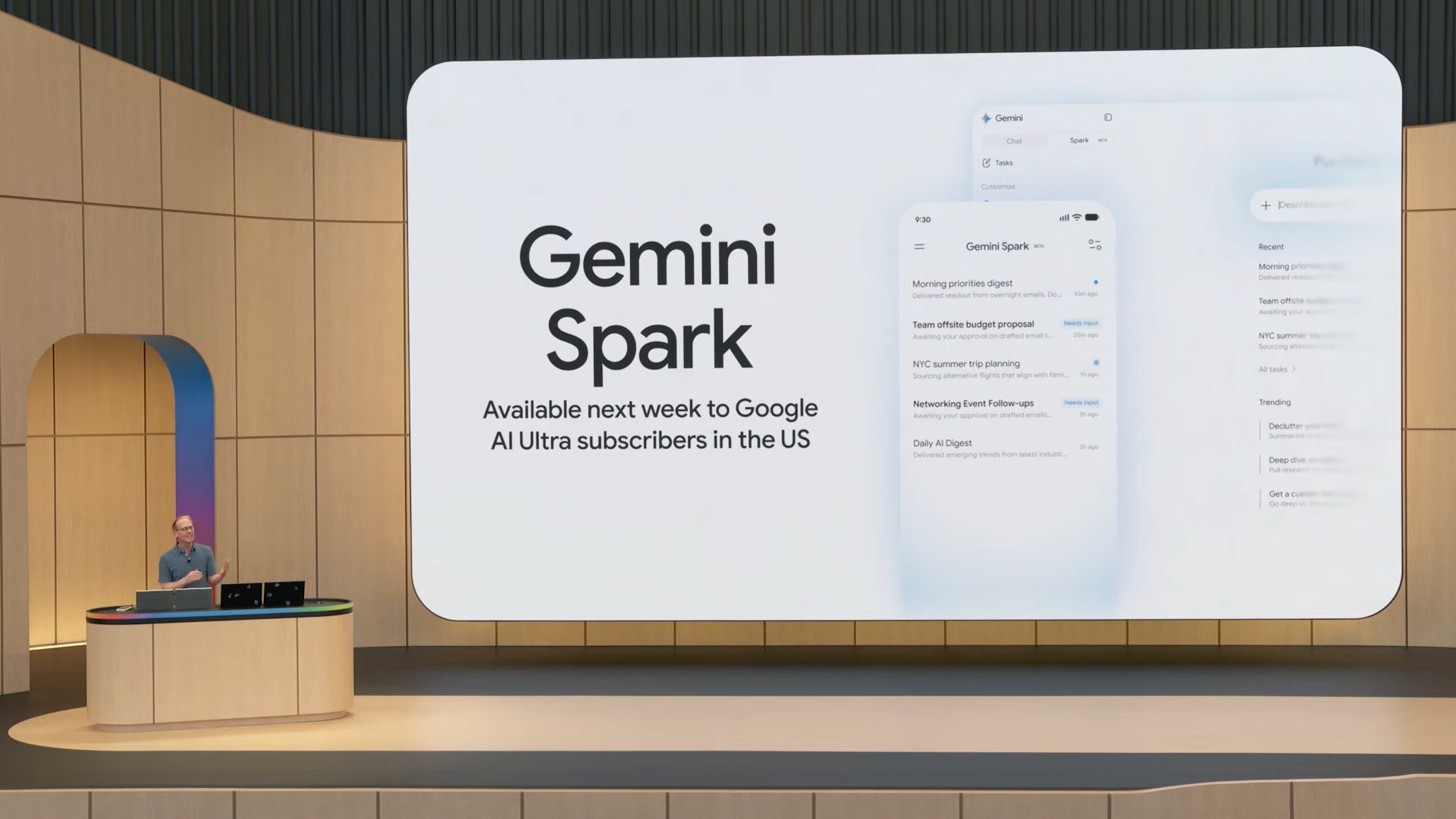
Open the Gemini app and there is a new switch above the box where you type: Chat on one side, Task on the other. Chat works the way it always has. Flip it to Task, describe a job, such as a trip plan, a morning briefing or some research to run on a schedule, and Gemini goes off to do it in the background. It sends a notification when the result is ready.
A switch instead of a guess
The switch is the interesting design choice. Gemini could have tried to work out from your words whether you wanted a quick reply or a long errand. Instead you say so up front, so a chat stays a chat and nothing kicks off a long job you didn’t mean to start. It also sets expectations: in Task mode you are not supposed to sit and watch a spinner. You can close the app.
It should stop before it spends
Tasks can include buying things, and Google says Gemini is designed to ask for your confirmation before steps like pressing “Buy”. Payments use card tokens from Mastercard and Visa, a spending cap you set, and receipts in Google Wallet. Google also admits tasks can fail, so the final check is still yours.
Tasks, earlier called Gemini Spark, used to need a paid Google AI plan. Since 17 November it has been rolling out free in six countries, India among them. Some abilities, like calling businesses and Google Pay checkout, start in the US first, and Google hasn’t yet named any Indian apps that tasks can work with. Google’s Josh Woodward put the pitch simply: “Our goal is for Gemini to save you time and money.”
What changed
Tasks in Gemini, a background agent for multi-step jobs, is rolling out free in India from 17 November. A switch above the prompt box changes Gemini from Chat to Task.
Why it works
- You choose the mode, so the app doesn’t have to guess.
- It works in the background and tells you when it’s done.
- It is designed to ask before it spends money.
Source
Reported by Elets CIO and Android Central.